We offer you the possibility to use our software for 30 days free of charge. After the trial period, all data in your user account will be automatically and completely deleted if you have not opted for paid use. You can find detailed information in our terms of use.
To create your user account
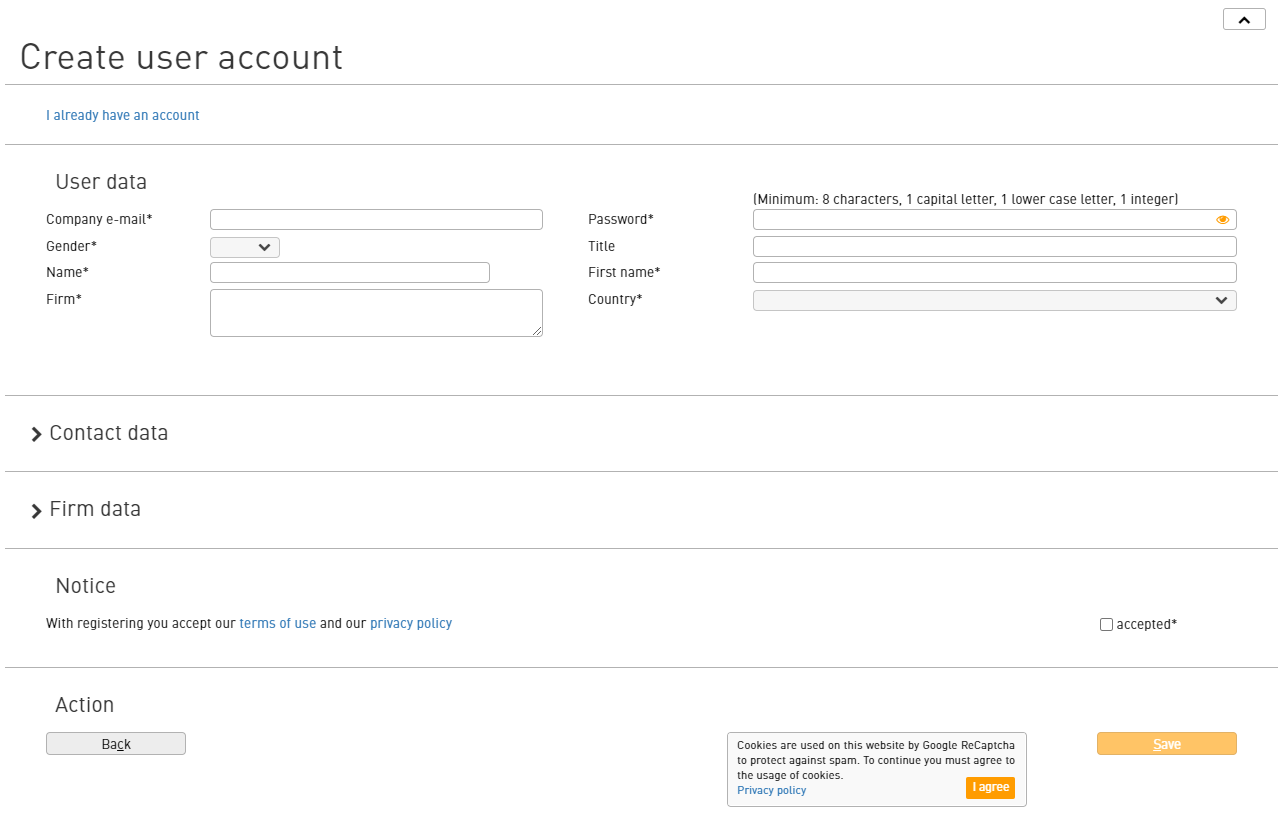
Please register with your company e-mail address and the corresponding mandatory fields. All other fields are optional and can be added at any time.
Cookies are used by Google ReCaptcha for spam protection.
You will receive a confirmation email
After successful registration, you will receive an email with the activation link for your cloud account. Clicking on this link opens the registration mask.
This e-mail serves as a double opt-in procedure and is intended to provide protection against spam in the event of misuse of your address.
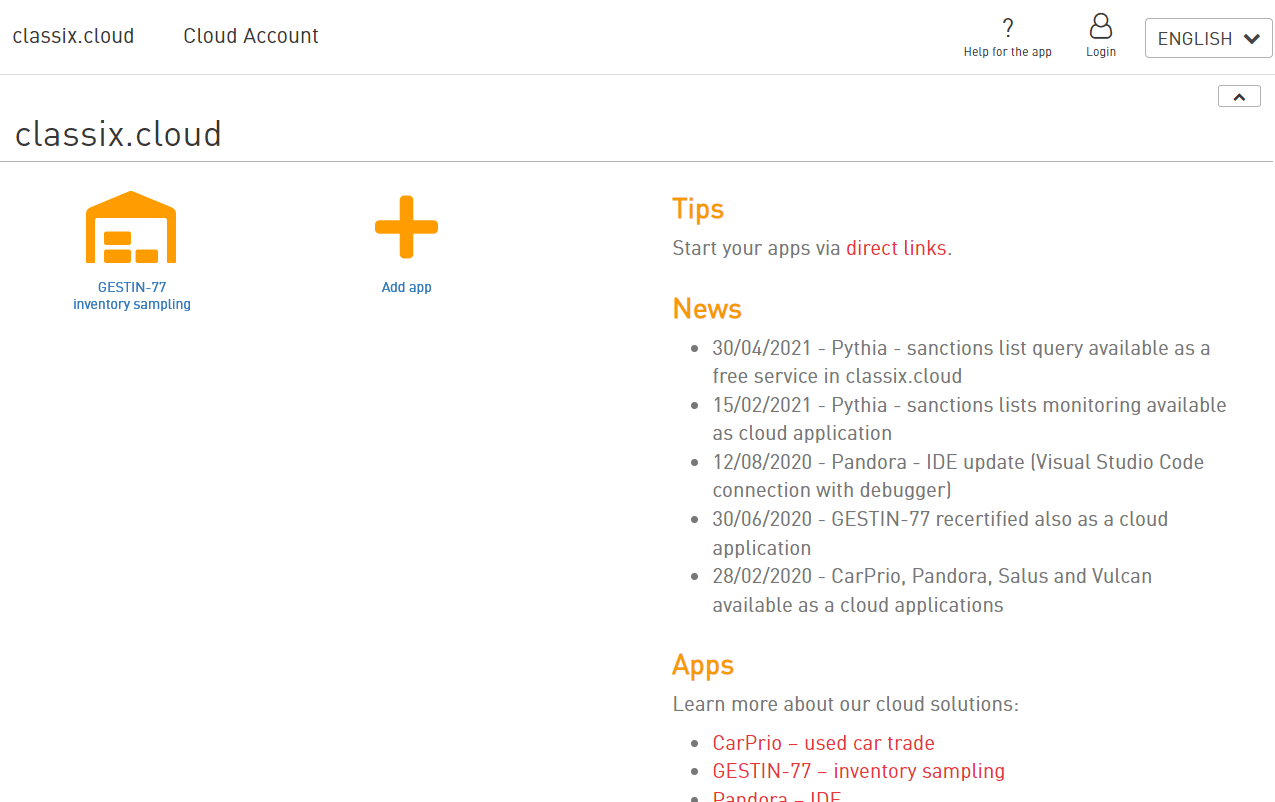
The GESTIN app suite you have selected is displayed in the dashboard and can be started from there.
Tip - direct link
After you have started GESTIN the first time via the user account, you can then also start GESTIN via a direct link – without having to go via the user account.
First (zero) step in GESTIN
The only configuration you need to make is the settings of the inventory file to be imported.
If you use our template file to import your data directly, you only need to save the preset data and can start importing the data.
Tip - Workflow
Each of the seven steps to a successful inventory is described individually. Please read the corresponding text before performing a particular step.
You can close a screen at any time to re-read the description of the step you are about to take in the main window.